 Matt Ellis
 Minecraft is arguably the most popular game ever made. But until recently, I hadn’t spent much time in this blocky world. That changed when I sat down to play it with my 11-year-old nephew. Despite being a noob, it was a lot of fun!
Because we were sitting in the same room on the same local network, playing together was easy. But it got me thinking; what happens when he goes home? How can we keep building on a shared world when we aren’t visiting each other?
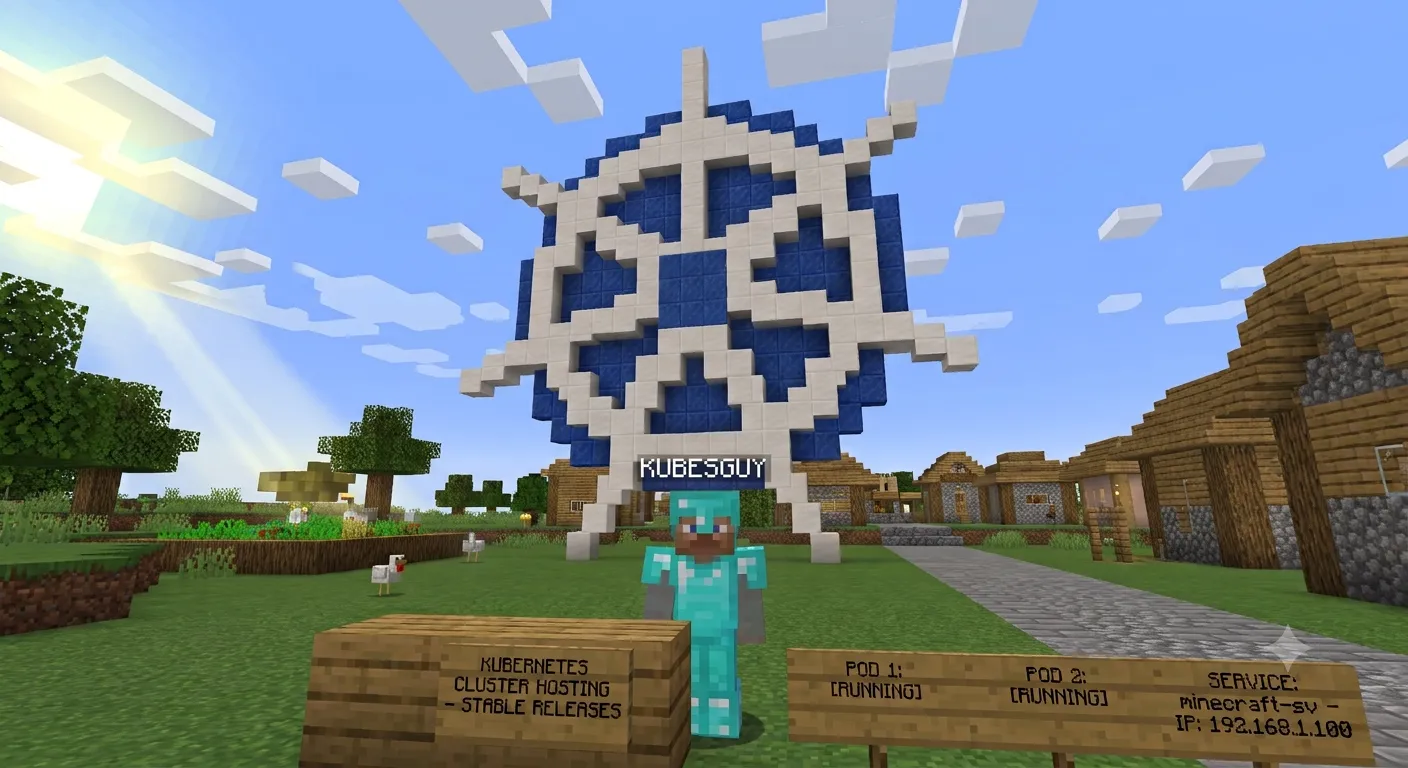
The obvious answer
We needed our own Minecraft server! My nephew insisted we would need to use Minecraft Realms, but that requires paying a monthly fee. No way! I’m a DevOps guy, I can setup a server. Despite his lack of confidence in me, I was determined to make it happen!
Enter the homelab
My homelab is simple, currently just my old thinkpad running ubuntu server. However, I’m running a Kubernetes cluster on it using GitOps with Flux. This is where the Minecraft server will run.
Containerisation and Helm FTW!
So… it actually ended up being straight-forward getting the Minecraft server up and running. Someone awesome, itzg, has created a Minecraft Java docker image and also the helm chart for it - https://github.com/itzg/minecraft-server-charts.
Simply I just added the necessary helm repo and release manifests plus some kustomizations so flux will pick it up. You can check out my homelab repo here. There were some tweaks I needed to make to the values, but I was able to join the server and play really fast!
The hard part
So I could easily connect to the Minecraft server because I was on the same network. However, I needed some way for my nephew to be able to join from his house. With some other apps on my homelab I have done this using cloudflare tunnels. I’ve found this to work really well. However, with the free tier, only HTTP/HTTPS traffic is proxied. Minecraft needs TCP. As mentioned earlier, we want to avoid paying money, so Cloudflare tunnels were out.
However, there is another great option, free too! playit.gg - they exist to make it easy for people to make their game servers public.
Setting up a tunnel with playit.gg
First you need to sign up for an account.
Playit agent
I went the path of running the playit agent on my homelab. They have a container image you can use so it’s straight-forward to setup the deployment.
You need a secret key but you can get this through the UI when first setting up the new account. Then save it as secret in your cluster and reference it in the deployment manifest.
Here is the deployment I use for the playit agent. Note the secret being passed to the container as an environment variable.
apiVersion: apps/v1kind: Deploymentmetadata: name: playit-agent labels: app: playit-agentspec: replicas: 1 selector: matchLabels: app: playit-agent template: metadata: labels: app: playit-agent spec: containers: - name: playit image: ghcr.io/playit-cloud/playit-agent:1.0.10 envFrom: - secretRef: name: playit-agent-secret resources: requests: cpu: 10m memory: 32Mi limits: cpu: 200m memory: 128MiTo verify if the playit agent is connecting you can check the logs. You should see the logs report a connected status.
kubectl logs -n minecraft -l app=playit-agent -fPlayit tunnel
Now you want to add the tunnel and point it at the Minecraft deployment. Playit have an option for Minecraft Java.
You need to configure the tunnel with the correct local address. This is where the playit agent is going to forward traffic, so it needs to go to the Minecraft server. How this is configured can differ. For me I’m just using a service type of NodePort.
After this you will receive a unique public URL from playit. It will take the form <something>.gl.joinmc.link. This is the link that I shared with my nephew.
Wrapping up
Setting this all up probably took me a couple hours at most. I just did it over a few week nights. And now I have a very happy nephew who constantly is asking when I can play Minecraft with him!